Posted on

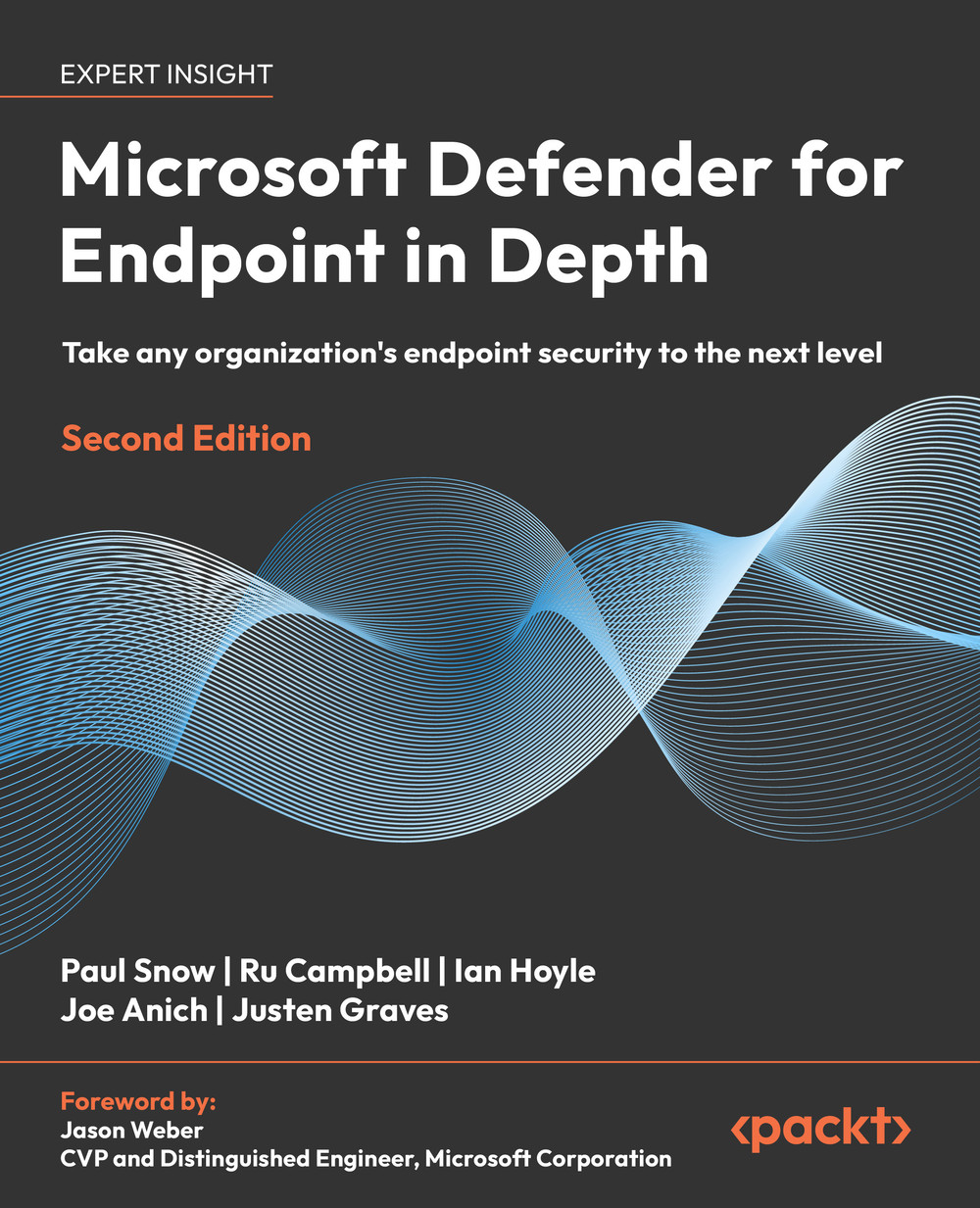
Microsoft Defender for Endpoint in Depth – Second Edition

Copyright © 2026 Packt Publishing

ISBN 978-1-83702-611-1

Gain an up-to-date, practical understanding of Microsoft Defender for Endpoint and learn how to run it reliably in real environments with this expert-led practitioner’s guide. Purchase of the print or Kindle book includes a free PDF eBook

Key Features

  • Understand and compare Defender endpoint security capabilities on all supported operating systems
  • Learn how to deal with complex deployment and configuration scenarios
  • Find new ways of tuning the product to your specific environment
  • Set yourself up for success by preparing for incidents with recommendations from seasoned professionals

Book Description

Modern organizations run on constantly changing endpoints, yet many teams still struggle to get the most out of Defender endpoint security. Coverage gaps, noisy detections, mixed platforms, and unclear device behavior often get in the way of effective prevention, detection, and response.

This second edition helps you tackle those challenges directly. Updated for today’s Defender endpoint security, and the broader Microsoft Defender ecosystem, it shows how MDE works across clients, servers, and now mobile devices, and how to align deployments with real-world constraints. New chapters on mobile threat defense, production rollout, and tuning provide practical guidance for moving beyond pilot environments, handling edge cases, and protecting critical and legacy assets.

Throughout, the book brings together IT and SecOps viewpoints to help you operate Defender for Endpoint with more clarity and less friction. You’ll learn how to maintain sensor health, interpret incidents confidently, reduce noise without weakening protection, and troubleshoot recurring issues.

Whether you’re refining an existing deployment or planning a new one, this edition gives you a clearer path to making Defender for Endpoint a reliable part of your security program.

What you will learn

  • Explore the current Defender for Endpoint architecture and capabilities
  • Clarify how next-gen protection, ASR, and EDR work together
  • Prepare a deployment plan that fits your estate, risk, and existing tools
  • Roll out Defender for Endpoint to production in staged, testable phases
  • Protect mobile devices using Defender for Endpoint and MTD
  • Tune alerts, exclusions, and policies for different scenarios and assets
  • Support SecOps investigations using incidents, hunting, and device data
  • Diagnose common health, connectivity, and performance issues in live estates

Who this book is for

This book is for cybersecurity professionals, security engineers, incident responders, endpoint administrators, and IT pros who are responsible for planning, deploying, or operating Microsoft Defender for Endpoint. It assumes a basic understanding of systems management, endpoint security, security baselines, and networking. Returning readers get updated, real-world guidance plus new coverage of mobile devices, production rollouts, and tuning. New readers get a structured introduction from core concepts to deployment, operations, and troubleshooting.
Posted on

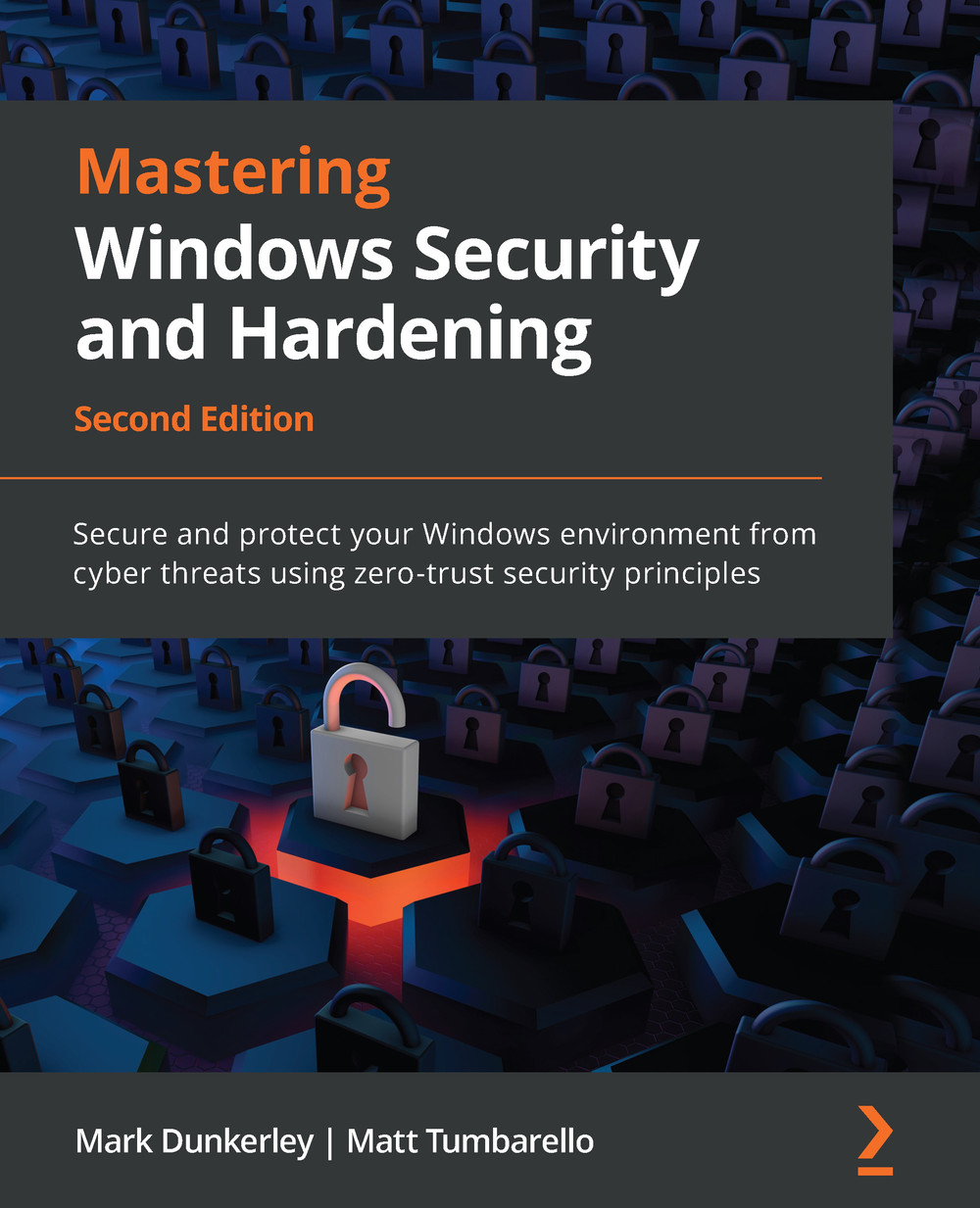
Mastering Windows Security and Hardening – Second Edition

Copyright © 2022 Packt Publishing

ISBN: 978-1-80323-654-4

A comprehensive guide to administering and protecting the latest Windows 11 and Windows Server 2022 from the complex cyber threats

Key Features

  • Learn to protect your Windows environment using zero-trust and a multi-layered security approach
  • Implement security controls using Intune, Configuration Manager, Defender for Endpoint, and more
  • Understand how to onboard modern cyber-threat defense solutions for Windows clients

Book Description

Are you looking for the most current and effective ways to protect Windows-based systems from being compromised by intruders? This updated second edition is a detailed guide that helps you gain the expertise to implement efficient security measures and create robust defense solutions using modern technologies.

The first part of the book covers security fundamentals with details around building and implementing baseline controls. As you advance, you’ll learn how to effectively secure and harden your Windows-based systems through hardware, virtualization, networking, and identity and access management (IAM). The second section will cover administering security controls for Windows clients and servers with remote policy management using Intune, Configuration Manager, Group Policy, Defender for Endpoint, and other Microsoft 365 and Azure cloud security technologies. In the last section, you’ll discover how to protect, detect, and respond with security monitoring, reporting, operations, testing, and auditing.

By the end of this book, you’ll have developed an understanding of the processes and tools involved in enforcing security controls and implementing zero-trust security principles to protect Windows systems.

What you will learn

  • Build a multi-layered security approach using zero-trust concepts
  • Explore best practices to implement security baselines successfully
  • Get to grips with virtualization and networking to harden your devices
  • Discover the importance of identity and access management
  • Explore Windows device administration and remote management
  • Become an expert in hardening your Windows infrastructure
  • Audit, assess, and test to ensure controls are successfully applied and enforced
  • Monitor and report activities to stay on top of vulnerabilities

Who this book is for

If you’re a cybersecurity or technology professional, solutions architect, systems engineer, systems administrator, or anyone interested in learning how to secure the latest Windows-based systems, this book is for you. A basic understanding of Windows security concepts, Intune, Configuration Manager, Windows PowerShell, and Microsoft Azure will help you get the best out of this book.

Posted on

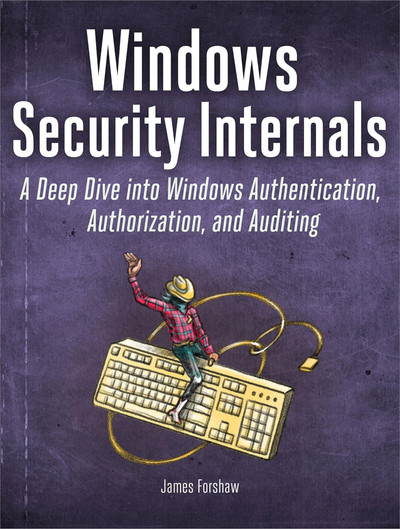
Windows Security Internals

book cover

Copyright © 2024 by James Forshaw

ISBN-13: 978-1-7185-0198-0 (print)
ISBN-13: 978-1-7185-0199-7 (ebook)

Windows Security Internals is a must-have for anyone needing to understand the Windows operating system’s low-level implementations, whether to discover new vulnerabilities or protect against known ones. Developers, devops, and security researchers will all find unparalleled insight into the operating system’s key elements and weaknesses, surpassing even Microsoft’s official documentation.

Author James Forshaw teaches through meticulously crafted PowerShell examples that can be experimented with and modified, covering everything from basic resource security analysis to advanced techniques like using network authentication. The examples will help you actively test and manipulate system behaviors, learn how Windows secures files and the registry, re-create from scratch how the system grants access to a resource, learn how Windows implements authentication both locally and over a network, and much more.

You’ll also explore a wide range of topics, such as:

  • Windows security architecture, including both the kernel and user-mode applications
  • The Windows Security Reference Monitor (SRM), including access tokens, querying and setting a resource’s security descriptor, and access checking and auditing
  • Interactive Windows authentication and credential storage in the Security Account Manager (SAM) and Active Directory
  • Mechanisms of network authentication protocols, including NTLM and Kerberos

In an era of sophisticated cyberattacks on Windows networks, mastering the operating system’s complex security mechanisms is more crucial than ever. Whether you’re defending against the latest cyber threats or delving into the intricacies of Windows security architecture, you’ll find Windows Security Internals indispensable in your efforts to navigate the complexities of today’s cybersecurity landscape.

Posted on

Windows 11 Development Environment

Microsoft offers the latest version of Windows packaged for virtual machines. It is available for VMWare, Hyper-V (Gen2), VirtualBox and Parallels.

Included:

  • Window 11 Enterprise (Evaluation)
  • Visual Studio 2022 Community Edition with UWP, .NET Desktop, Azure, and Windows App SDK for C# workloads enabled
  • Windows Subsystem for Linux 2 enabled with Ubuntu installed
  • Windows Terminal installed
  • Developer mode enabled