Copyright © 2021 Lee Holmes. All rights reserved.
ISBN: 978-1-098-10160-2
Online Searchable Edition: https://www.powershellcookbook.com
GitHub: https://github.com/LeeHolmes/PowerShellCookbook
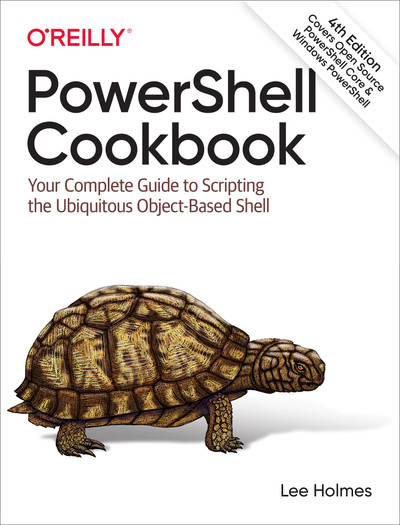
How do you use PowerShell to navigate the filesystem, manage files and folders, or retrieve a web page? This introduction to the PowerShell language and scripting environment provides more than 400 task-oriented recipes to help you solve all kinds of problems. Intermediate to advanced system administrators will find more than 100 tried-and-tested scripts they can copy and use immediately.
Updated for PowerShell 5.1 and Open Source PowerShell up to 7.0 and beyond, this comprehensive cookbook includes hands-on recipes for common tasks and administrative jobs that you can apply whether you’re on the client or server version of Windows. You also get quick references to technologies used in conjunction with PowerShell, including regular expressions, the XPath language, format specifiers, and frequently referenced .NET, COM, and WMI classes.
- Learn how to use PowerShell on Windows 10 and Windows Server 2019
- Tour PowerShell’s core features, including the command model, object-based pipeline, and ubiquitous scripting
- Master fundamentals such as the interactive shell, pipeline, and object concepts
- Perform common tasks that involve working with files, internet-connected scripts, user interaction, and more
- Solve tasks in systems and enterprise management, such as working with Active Directory and the filesystem